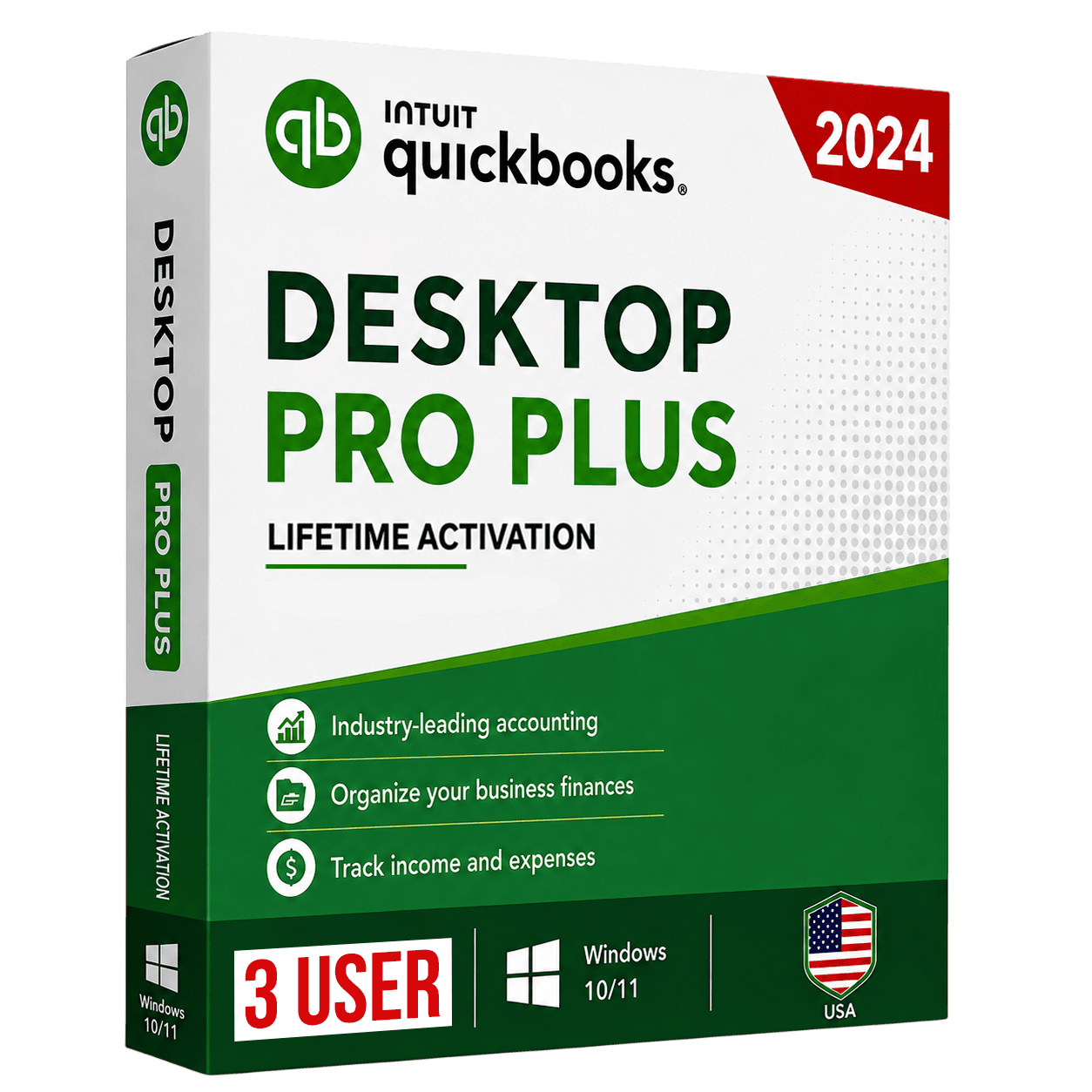
QuickBooks Desktop Pro Plus 2024 (3 Users)
Powerful desktop accounting for up to 3 users. One-time purchase, genuine license key, instant email delivery.
One-time payment · No subscription
QuickBooks® and Intuit® are trademarks of Intuit Inc. QBTAAX is an independent reseller and is not affiliated with, endorsed by, or sponsored by Intuit Inc.
- One-time payment — no subscription or monthly fees
- Genuine license key with lifetime access
- Instant email delivery within minutes
- Works offline on your own computer
- Free installation guidance from our team
Product description
QuickBooks Desktop Pro Plus 2024 is the trusted choice for small businesses that want fast, reliable, locally-installed accounting. Manage invoicing, expenses, bank reconciliation and 100+ built-in reports — for up to 3 simultaneous users. Get a genuine license key delivered instantly to your inbox, with a one-time payment and no recurring fees.
Key features
- Up to 3 simultaneous users
- Track income, expenses & cash flow
- Create & send professional invoices
- 100+ built-in business reports
- Bank feeds & reconciliation
- Automated backups & security updates
System requirements
Operating system: Windows 10 or Windows 11 (64-bit), all editions
Processor: 2.4 GHz minimum
RAM: 8 GB minimum (16 GB recommended)
Disk space: 2.5 GB available (additional space for data files)
Display: 1280×1024 or higher
Internet: Required for download, activation and updates
Overview
QuickBooks Desktop Pro Plus 2024 is the locally-installed accounting solution built for small businesses that want dependable, full-featured bookkeeping without a monthly subscription. It supports up to three simultaneous users, so an owner, a bookkeeper and an assistant can work in the same company file at once while QuickBooks keeps everyone's entries in sync. Because it is the 2024 Plus edition, it includes the latest features, security patches and unlimited customer support for the supported period.
On the accounting side, Pro Plus covers the complete day-to-day cycle: create and email professional invoices, record expenses and bills, reconcile bank and credit-card accounts, track sales tax, run payroll-ready reports and manage your chart of accounts. It ships with more than 100 built-in financial reports — profit & loss, balance sheet, A/R and A/P aging, cash-flow and customizable summaries — so you always know exactly where the business stands. You can also manage customers and vendors, attach documents to transactions, and import your bank feeds to speed up data entry and the month-end close.
Basic inventory tracking is included: you can record products, monitor quantities on hand and see what needs reordering, which is ideal for service businesses and light product sellers. Where Pro Plus stops is advanced inventory and industry-specific tooling — if you need FIFO costing, barcode scanning, sales orders or assemblies, the Premier or Enterprise editions are the better fit. For most small businesses that simply need accurate books, professional invoicing and reliable reporting, Pro Plus has everything required.
Because this is the Desktop edition, your data lives on your own computer rather than in the cloud, giving you fast performance on large files and full control of your records. You receive a genuine activation key and the official Intuit download, install QuickBooks once, activate it and own that version — there is no recurring fee. Migrating is straightforward too: you can carry over an existing company file or import lists from spreadsheets. That makes Pro Plus a cost-effective, long-term choice for established small businesses that value privacy, speed and a one-time price.
Is this edition right for you?
Who should buy it
- Small businesses with one to three people who need the same company file at the same time.
- Owners who prefer a one-time purchase over an ongoing monthly QuickBooks Online subscription.
- Service-based and light-inventory businesses that need solid bookkeeping and 100+ reports, not warehouse-grade inventory.
Best use cases
- Invoicing and expense tracking
- Bank & credit-card reconciliation
- Sales-tax and financial reporting
- Basic inventory for small product lines
Ideal business types
- Consultancies & agencies
- Tradespeople & contractors (light)
- Local retailers & e-shops
- Freelancers and startups
How it compares
Desktop vs Online
QuickBooks Desktop Pro Plus is installed locally with a one-time license and no monthly fee, runs fast on large files and keeps your data on your own machine. QuickBooks Online is a cloud subscription billed monthly. If you want activation and no recurring cost, Desktop is the better value.
Download, install & activation guide
Your license is delivered by email with the official Intuit download link and your product codes. Follow these steps to get up and running in minutes.
- 1
Download
After purchase you receive the official Intuit download link for QuickBooks Desktop Pro Plus 2024 in your email along with your license and product numbers.
- 2
Install
Run the installer, accept the license agreement and choose Express install. Pick the folder for your company file (or create a new one) when prompted.
- 3
Activate
Open QuickBooks, go to Help → Activate QuickBooks Desktop, and enter the Activation Code, Product Number and Validation Code from your PDF. Activation takes a few seconds.
- 4
Troubleshoot
If activation does not complete, do NOT click 'Message Now' — select 'Issues with activation?' and enter your validation code, or simply reply to our email and our support team will guide you step-by-step.
Instant Activation on Your PC
Instant Email & WhatsApp Delivery
License Number: XXXX-XXXX-XXXX-XXX Product Number: XXX-XXX
Official Intuit Download
Download directly from Intuit's official Windows site. No modified or repackaged files.
30-Day Money-Back (with valid proof)
Guaranteed activation on your computer — or your money back. Support responds within 30 minutes.
Safe QuickBooks Guarantee
- Lifetime reactivation on a new computer
- SSL Secure Checkout (100% Encryption)
Questions about this product
Why customers trust QBTAAX
Secure Checkout
Payments are processed over encrypted, PCI-compliant providers.
Fast Digital Delivery
Your license is delivered by email after payment — usually within minutes.
Email Customer Support
Real help with download, install and activation — just reply to your email.
Refund Policy Available
Orders are covered by our published refund policy.
Privacy Protected
We only collect what's needed to fulfil your order. See our privacy policy.
Instant Order Confirmation
You get an on-screen and email confirmation as soon as your payment completes.
Customer reviews
Worth it for tax season
“Handling multiple client files is smooth. Downloaded and activated in under ten minutes. ”
Business Owner
“This company, unlikely many others, is totally legitimate. I had troubles installing (my own errors) an they stayed with it until it got resolved. Cant thank them enough! So good I bookmarked this site for future needs.”
QuickBooks Desktop buying guides
- QuickBooks Desktop 2024 Download: Every Edition, Step by StepThe QuickBooks Desktop 2024 installer is free from Intuit. Where to download each edition safely, what to check first, and how activation works.
- QuickBooks Desktop Pricing 2026: One-Time vs SubscriptionIntuit's Desktop renewals now cost $1,149 a year and up. Here is how that compares with a one-time 2024 license, and what you get or give up with each.
- Is QuickBooks Desktop Discontinued? What Changed (2026)Short answer: no. QuickBooks Desktop 2024 is still supported in 2026. Here is what Intuit actually changed, and what it means if you want to keep using Desktop.
- How to Install & Activate QuickBooks Desktop 2024From download to activation in a few simple steps — plus quick fixes for the activation issues people hit most often.
You may also like
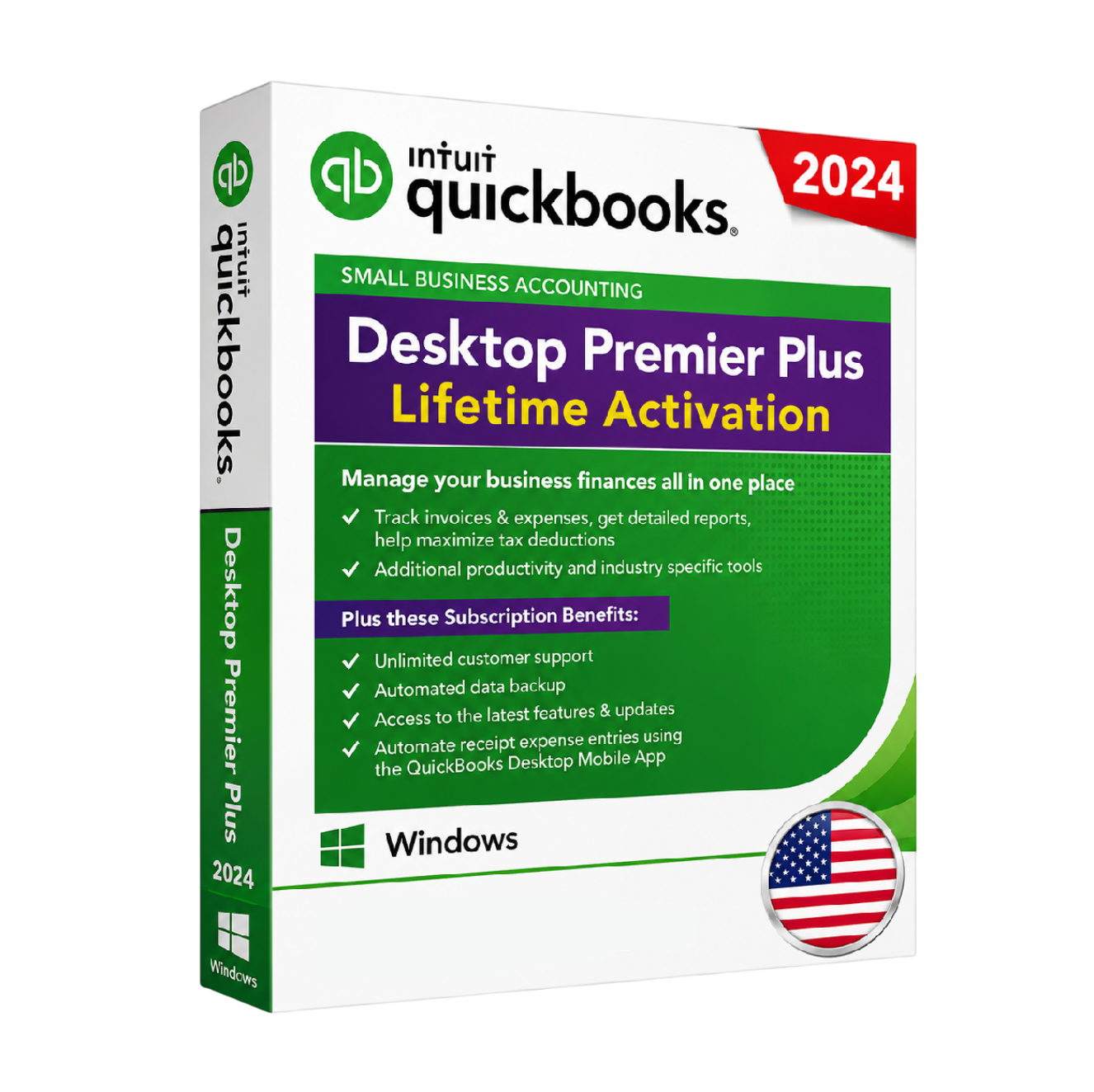
QuickBooks Desktop Premier Plus 2024
Industry-specific reporting and forecasting for growing businesses. One-time purchase, instant delivery.
- 1 user
- Industry-specific editions & reports
- Sales orders & inventory tracking
Instant email delivery
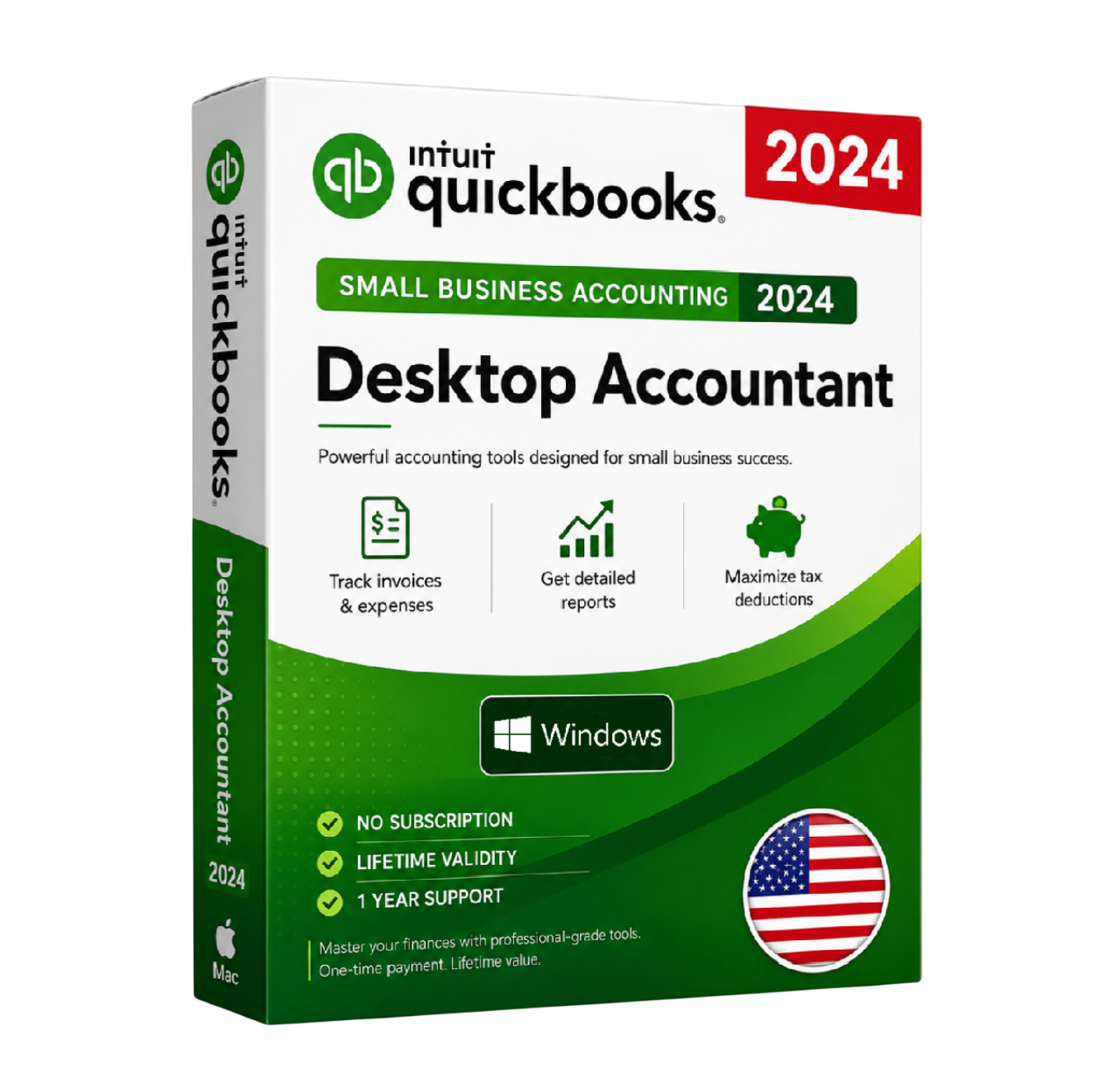
QuickBooks Desktop Accountant 2024
The complete toolkit for accounting professionals managing multiple clients. One-time purchase.
- 1 user
- All Premier features + accountant tools
- Accountant Center & client data review
Instant email delivery
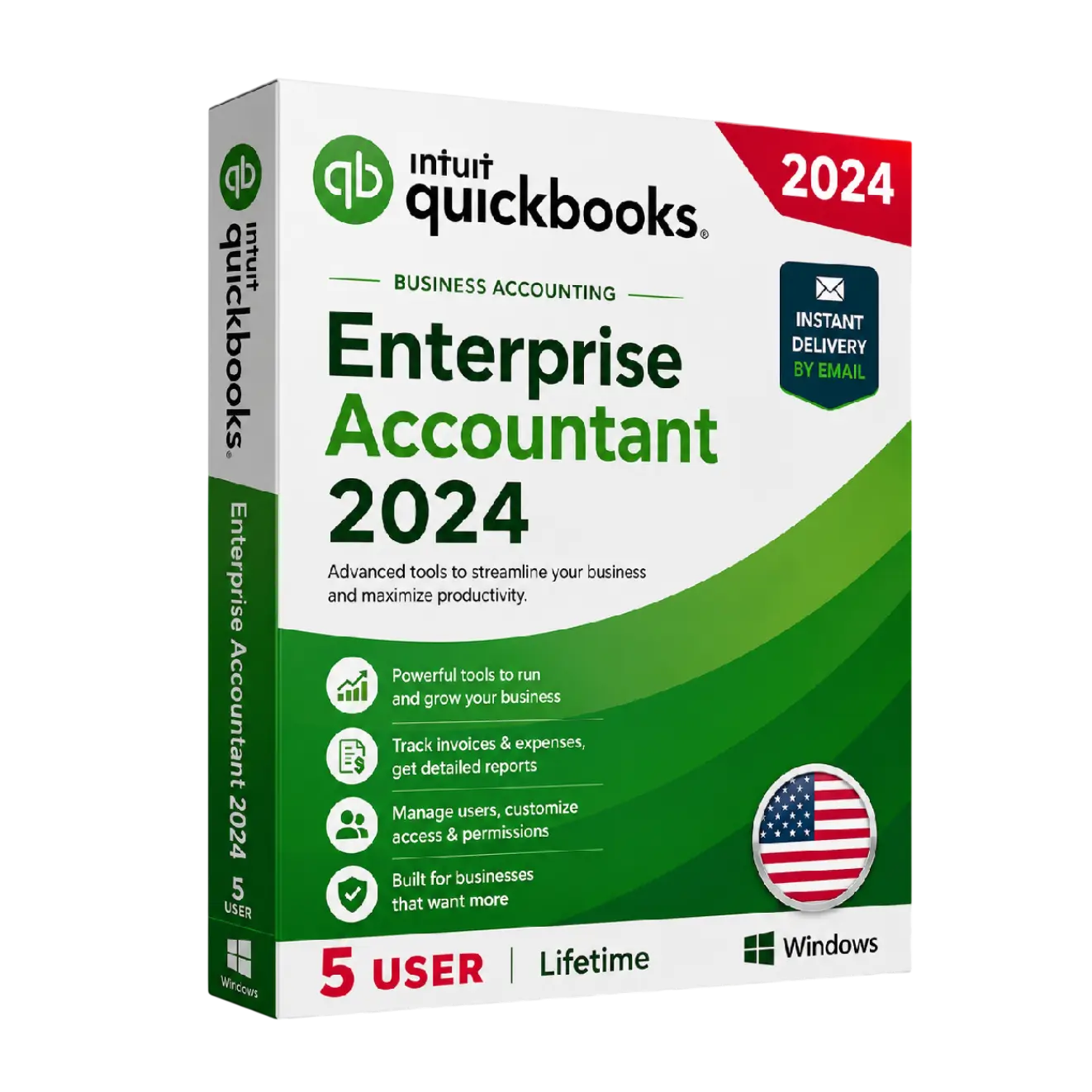
QuickBooks Desktop Enterprise Accountant 2024
Enterprise power plus accountant-only tools for firms serving larger clients. One-time purchase.
- Up to 5 users
- All Enterprise features + accountant tools
- Accountant Center & client data review